Your Mac remembers
everything you worked on.

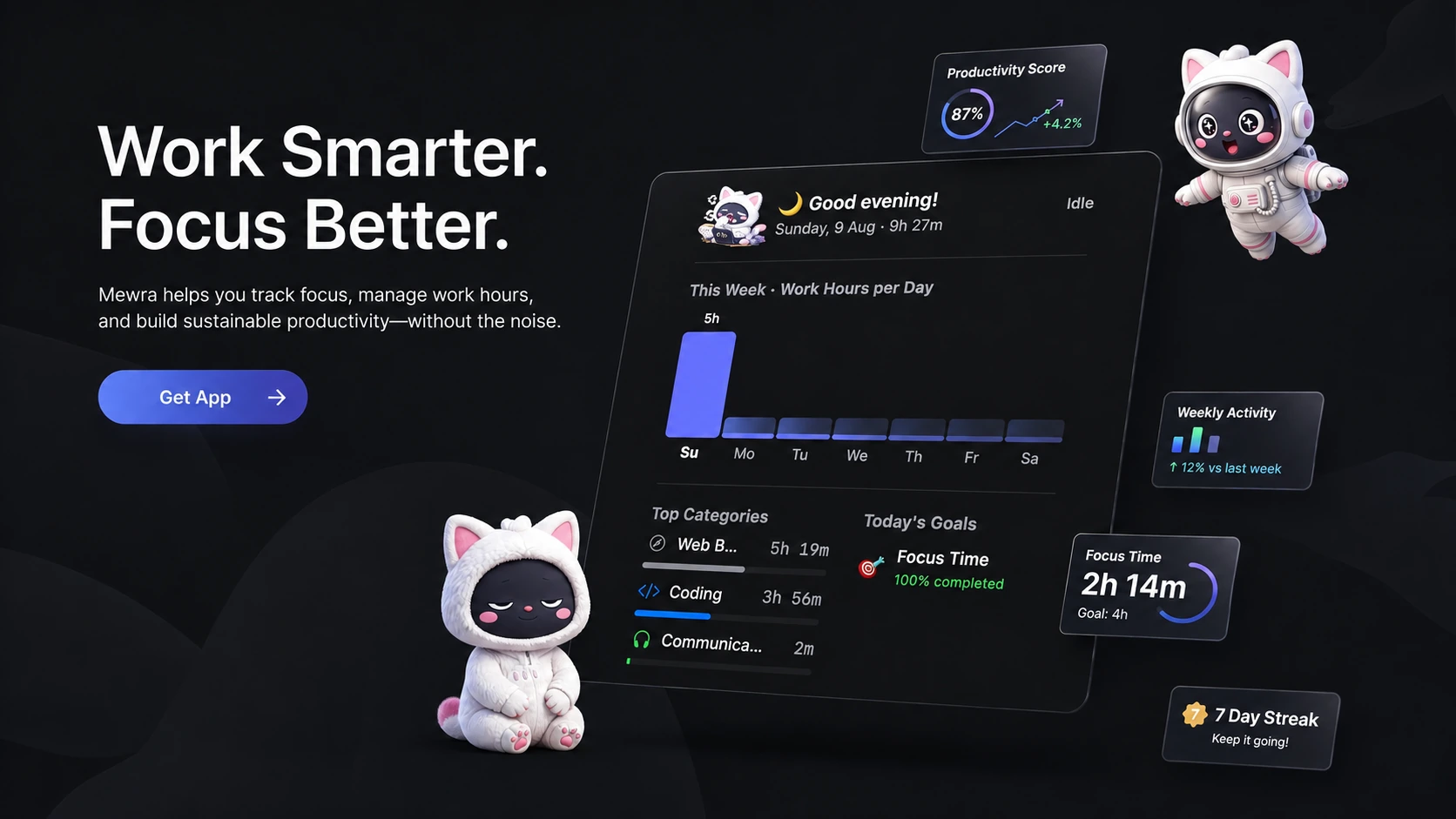
Mewra runs quietly in your menu bar, tracks your work automatically, and turns it into a clean daily journal — powered by on-device Apple Intelligence.

See how it works

How it works

Zero configuration. Just start working.

01

Work normally

Just do your job. Mewra runs quietly in the background without draining your battery.

Xcode
3h 12m
Figma
1h 04m
Terminal
0h 47m
Safari
0h 23m
02

AI categorizes

Apple Intelligence analyzes your active windows and groups them into logical projects and apps.

Confidence85%
+30 After hours+25 IDE active−20 Idle detected−20 Weekend
03

Daily journal ready

Get a beautifully formatted timeline of your day, ready to be exported for timesheets.

Daily Journal · July 29
Summary
Deliverables
Next Steps

Everything you need

Mewra comes packed with AI models and export options out of the box.

Git-Aware Context

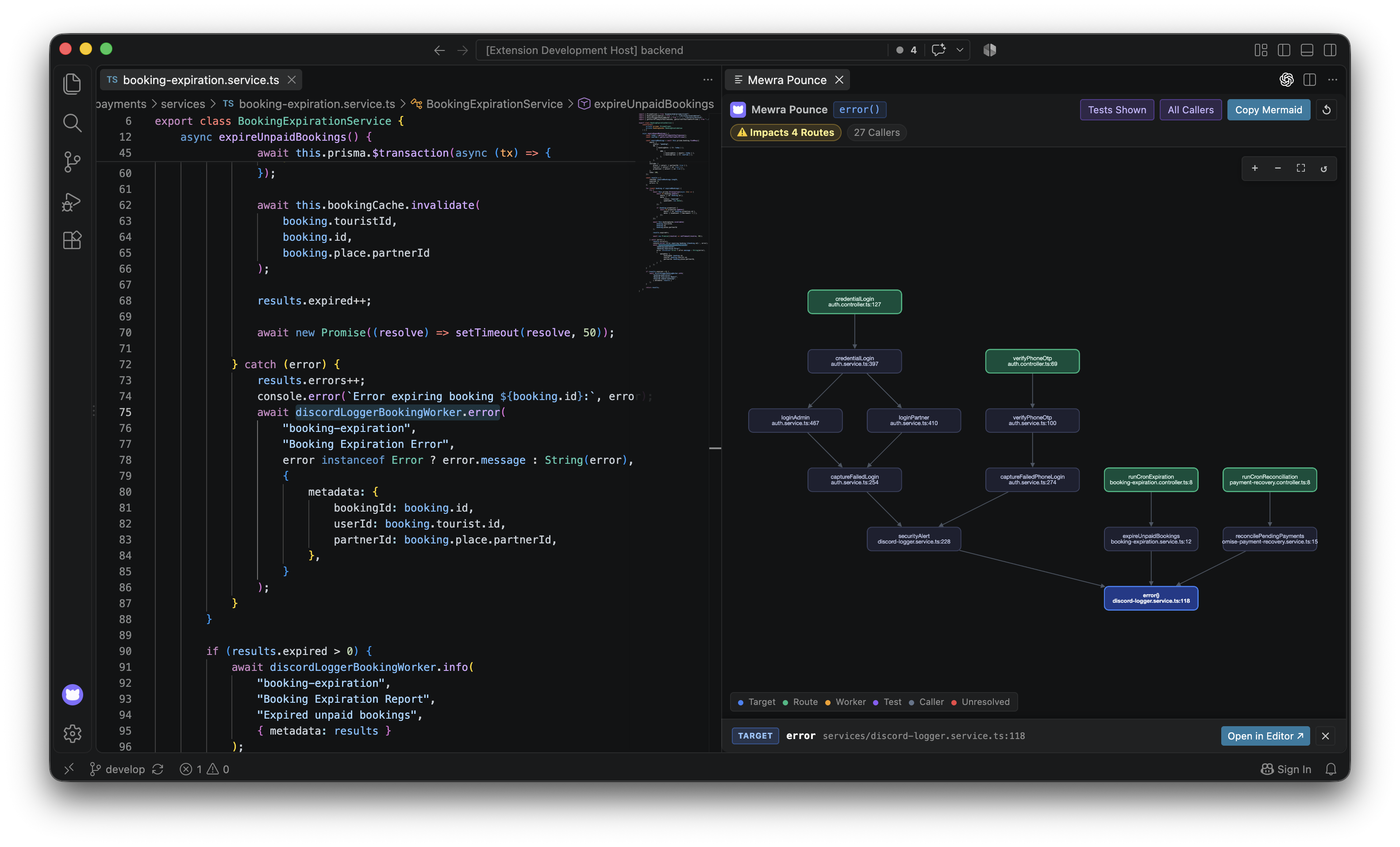
Scans local .git repos and syncs with GitHub & GitLab automatically to track your branch work.

mewra-mac
~/Projects
feat/swiftdata-sync
active
main
AUTO-LOGGED CONTEXT
7f8a9b210:45 AM

Implement iCloud conflict resolution in SwiftData

e4a9c1d09:12 AM

Add CloudKit schema definitions

Menu Bar Native

Lightweight, no Dock icon, zero friction. Always there when you need it.

5h 42m
...

Streaks & Goals

Build momentum with daily work streaks.

🔥
12
Day Streak

Work Modes

Tag your session so your journal is always in context.

CodingDesigning

Privacy First

Everything stays on your Mac. No cloud sync without permission.

Local DB
Cloud tracking

Quick OT Capture

Global hotkey ⌃⌥O opens in under 1 second.

O

Daily Life Events

Lunch, gym, commute — add context blocks to your timeline.

Lunch
Gym
Commute

Smart Writing & Dictation

System-wide AI writing and dictation. Speak or type anywhere on your Mac, and Mewra cleans up, translates, and formats your text instantly.

Mewra Anywhere
BEFORE
this doc explain architecture & conventions for mewra web app project (landing page & docs) build with next.js
AFTER
This document describes the architecture and conventions for developing the Mewra web application project, which includes the landing page and documentation, using Next.js (App Router).
Accept & Replace
Cancel

Professional Exports

Generate itemized PDF timesheets and OT reports ready for HR or clients.

PDF
MD
JSON
CSV

Bring Your Own AI

Use on-device Apple Intelligence, run Ollama locally, or connect your favorite cloud LLMs like OpenAI, Anthropic, and Gemini.

Apple Intelligence
OpenAI (ChatGPT)OpenAI
ClaudeAnthropic
Gemini
Ollama

Live Preview

One click from the menu bar.

Click the Mewra icon to see your day at a glance — start OT, check your categories, or open the full dashboard.

FinderFileEdit
0h 0m
11:41

Apple Watch

Your wrist knows when you're in the zone.

Mewra syncs to Apple Watch via iPhone — glance at your work hours, check active categories, and see live OT timers right from your wrist.

Tracking
OT Active
iCloud
Direct iCloud Sync
  • Mac tracks your work activity continuously
  • Syncs directly to Apple Watch via iCloud
  • Watch shows live stats, categories, and OT timer
  • No iPhone bridge app required

AI Summary

Chaos becomes clarity.

Foundation Models reads your day and writes it up — fully on-device, zero cost, zero configuration.

Raw activity
09:14
Xcode — Mewra
10:02
mewra-web — zsh
10:45
Figma — Design System
11:30
Fix auth bug #142 · PR · GitHub
12:05
Terminal — node
12:08
mewra-web — git
13:20
Slack — #engineering
14:00
Next.js Documentation
AI JournalOn-device
Daily Journal · July 29
Summary

Deliverables

Next Steps

On-device with Apple Intelligence · Optional Claude, GPT, Gemini support
Mewra mascot — Tracking

Companion

Meet Mewra.

Your desktop companion lives in the corner, quietly watching over your work. Friendly nudges, streak celebrations, and gentle reminders — Mewra keeps you in the loop without getting in the way.

You've been coding for 3 hours straight.

Local-firstNothing leaves your Mac

Privacy First

On-device processing. No data sent to cloud.

Mewra only accesses what it needs, and nothing is transmitted without your explicit action. You see exactly what's collected on every launch.

Mewra accesses
  • Which app is in the foreground & its window title
  • How long each app is active & your focus time
  • Calendar events & daily reminders
  • Your voice for quick dictation (Microphone)
Mewra never touches
  • Keystrokes or passwords
  • Screenshots or screen content
  • Browser history or cookies
  • Anything sent to third parties (unless you connect GitHub or Cloud AI)

Pricing

One purchase. Unlock Pro when you need more.

Buy the app once on the Mac App Store. Upgrade to Mewra Pro for advanced tracking, Cloud LLMs, and billing features.

Pricing announced soon

Join the waitlist to secure early access pricing and exclusive perks when we launch on the Mac App Store.

Pro Pro is an optional subscription inside the app — requires base purchase. Manage or cancel anytime from the App Store.